

In FeedFactory click on the products tab in the navigation menu.
Next to each product you will see an "Edit" link.
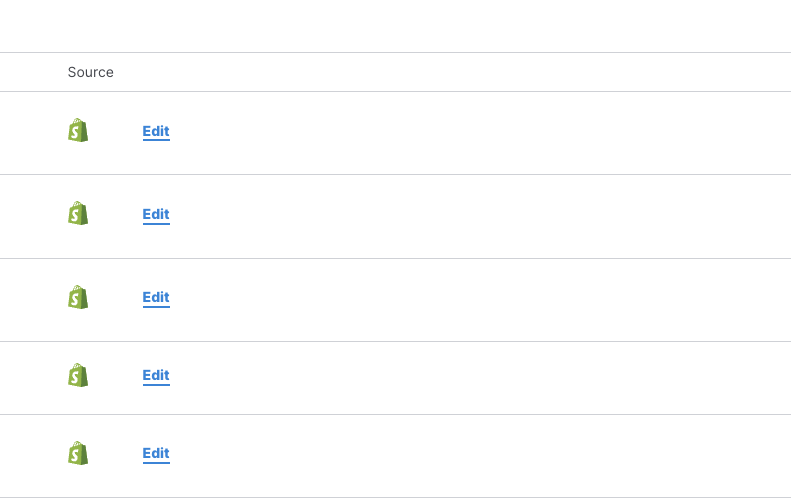
Click the edit link of the product you wish to use custom data.
On the next screen you can input custom data as well as use a custom image.
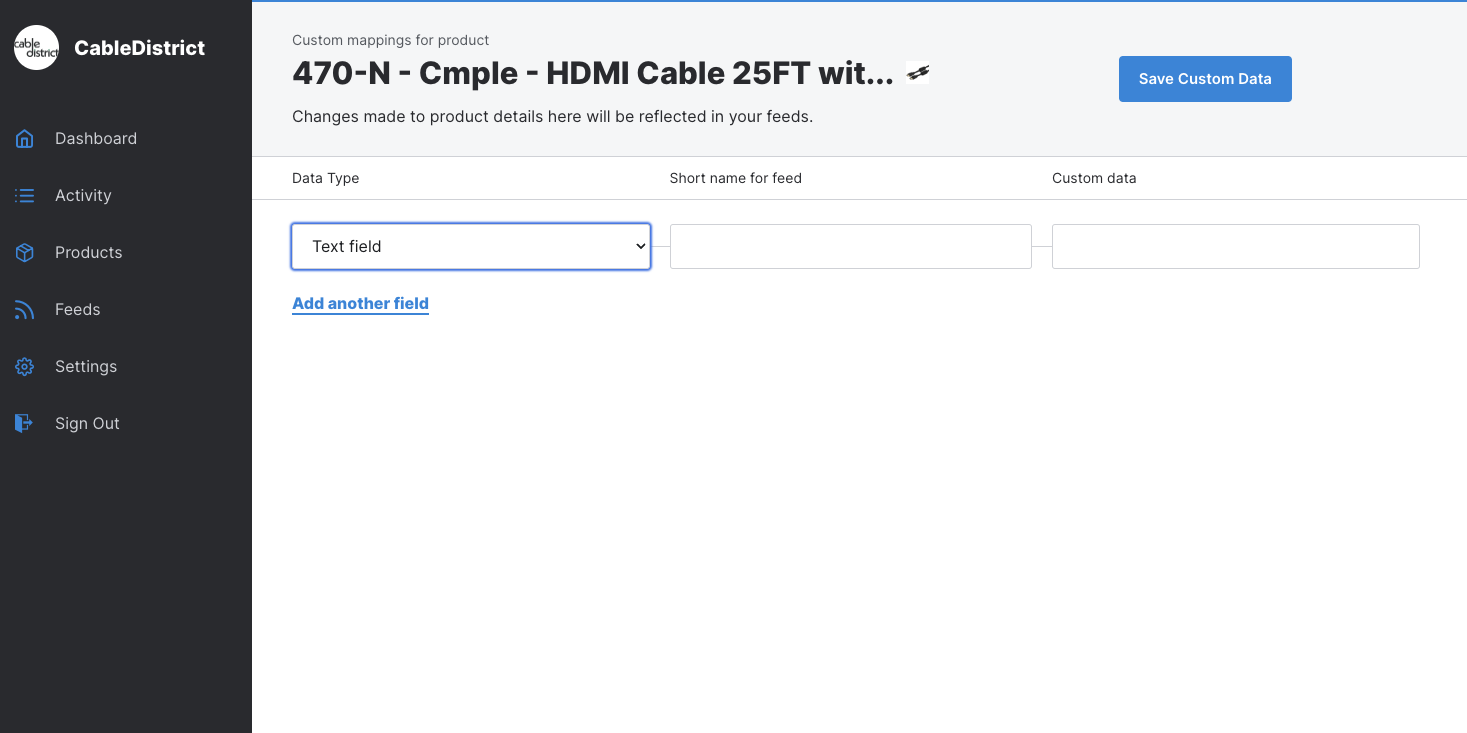
Select Text Field or Image from the drop down.
Enter a short name for the property to be used when mapping in feed settings.
Enter the custom text or URL to image path.
Click Save Custom Data